
Install and activate the theme
Upload the ZIP from Appearance → Themes → Add New → Upload Theme. Activate it and Jeevi creates the public pages, application page and demo workspace automatically.
Guides, feature explanations and answers for this Jeevi solution.
Upload the ZIP from Appearance → Themes → Add New → Upload Theme. Activate it and Jeevi creates the public pages, application page and demo workspace automatically.
Use the dedicated Login page with a WordPress user account. After sign-in, the software opens on the secure App page with sample records ready to inspect.
Demo records are created from the research-backed workflow catalogue. Use them to understand the layout before replacing them with live business data.
Use this module as a configurable starting point. Fields, ownership, status rules and business steps can be adjusted during implementation.
Use this module as a configurable starting point. Fields, ownership, status rules and business steps can be adjusted during implementation.
Use this module as a configurable starting point. Fields, ownership, status rules and business steps can be adjusted during implementation.
Use this module as a configurable starting point. Fields, ownership, status rules and business steps can be adjusted during implementation.
Use this module as a configurable starting point. Fields, ownership, status rules and business steps can be adjusted during implementation.
Use this module as a configurable starting point. Fields, ownership, status rules and business steps can be adjusted during implementation.
Use this module as a configurable starting point. Fields, ownership, status rules and business steps can be adjusted during implementation.
Use this module as a configurable starting point. Fields, ownership, status rules and business steps can be adjusted during implementation.
Use this module as a configurable starting point. Fields, ownership, status rules and business steps can be adjusted during implementation.
Configure the organization, currency, business units and locations from the Jeevi Admin Studio without changing theme code.
The framework includes Manager, Staff and Viewer roles. Customer-specific permissions can be extended as part of deployment.
Jeevi is intended to be changed around the customer process. Discovery identifies the right fields, rules, approvals, exceptions, evidence and reporting.
Authenticated integrations can read and create work records through /wp-json/jeevi/v1/work.
Connect accounting, CRM, HR, PMS, project, messaging or industry systems without silently creating competing master data.
Daim Hub can study the business and build a connector, module or complete Jeevi application around the required outcome.
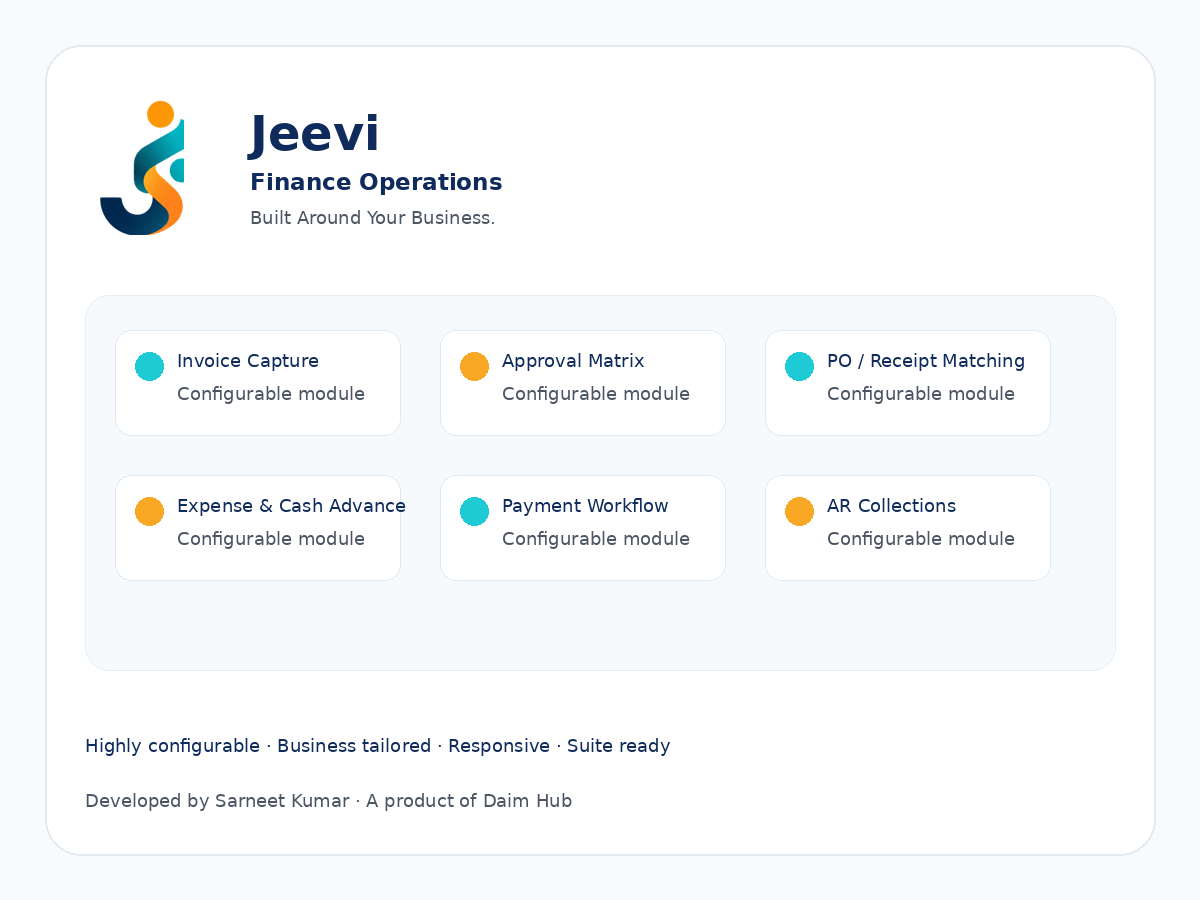
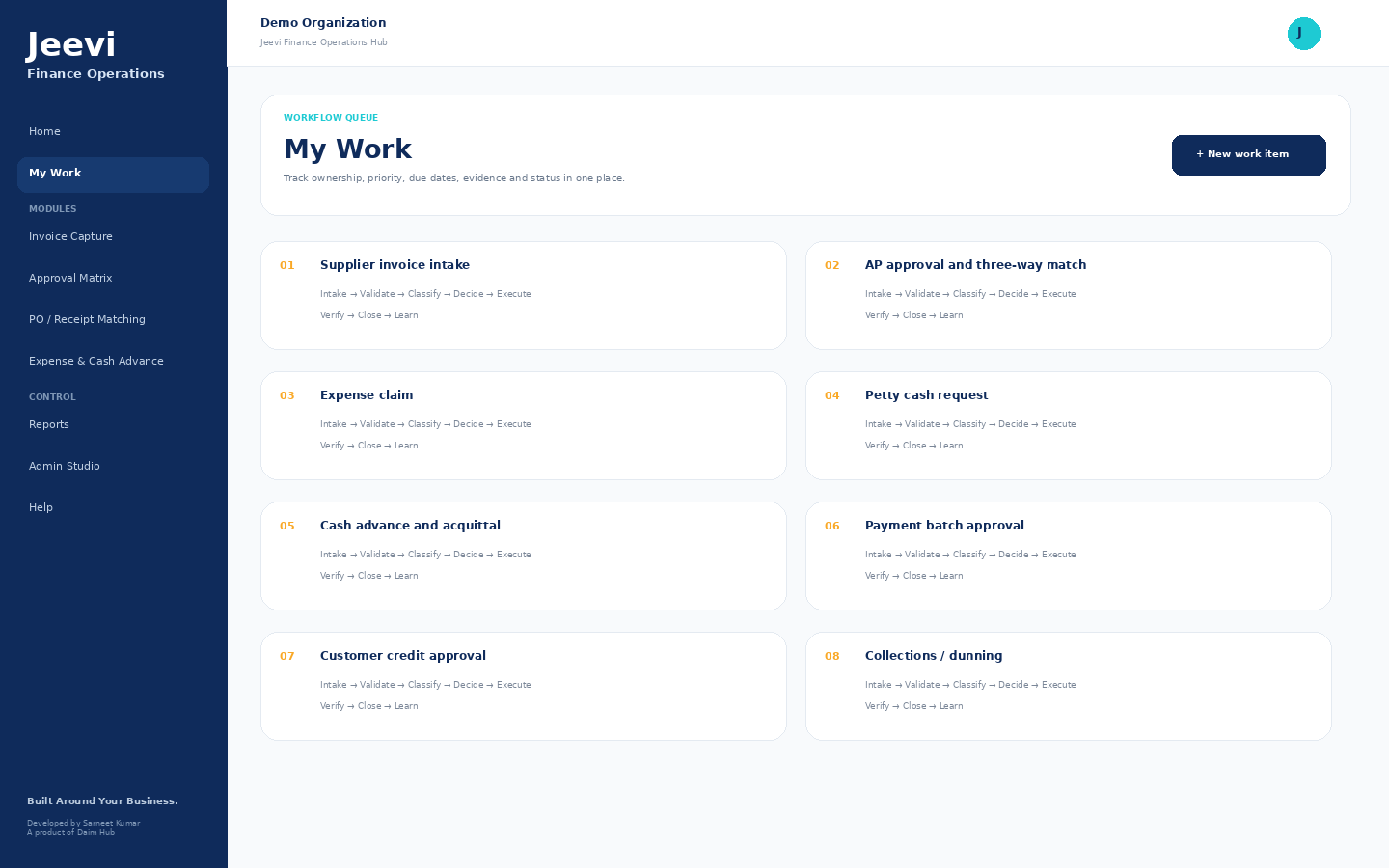
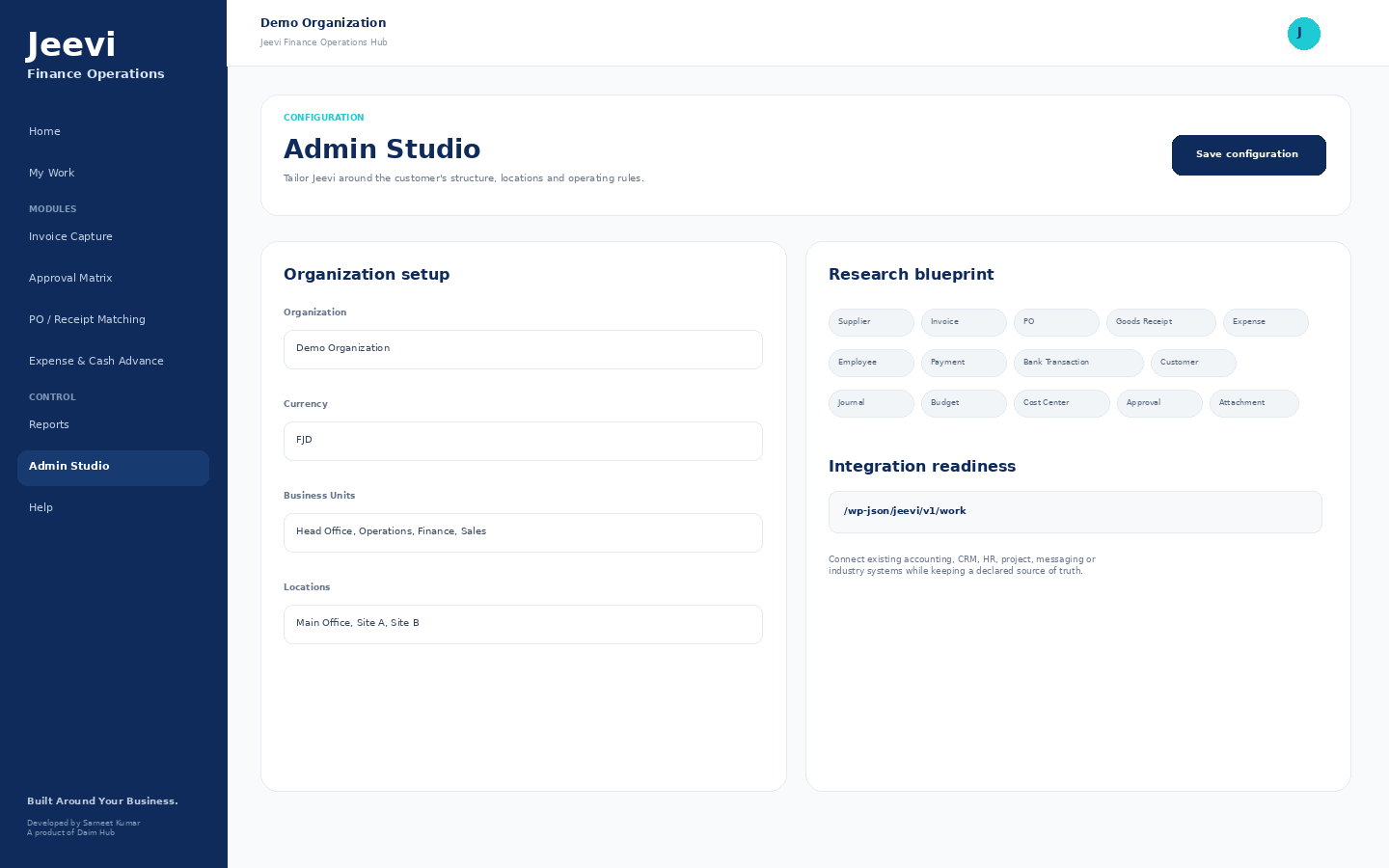
Yes. Jeevi is designed to be configured around the business process, approval model, locations, user roles and existing systems rather than forcing one fixed operating model.
Yes. Each Jeevi application is designed to operate as a standalone WordPress software site. It can also form part of a wider Jeevi suite as the business adds more applications.
Not necessarily. Where an existing PMS, accounting platform, CRM, HR system or other source of truth works well, Jeevi can orchestrate workflow around it and connect through APIs, webhooks or controlled imports.
Yes. The theme seeds sample workflow records so authorized users can inspect the software immediately after activation. Demo mode can be disabled from the Admin Studio.
Yes. The delivery approach starts with business discovery and process mapping. A new Jeevi application, workflow or integration can then be configured or developed around the required outcome.
Request a demo and tell us about the workflow, application or business process you want Jeevi to support.